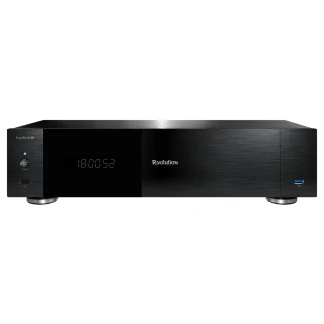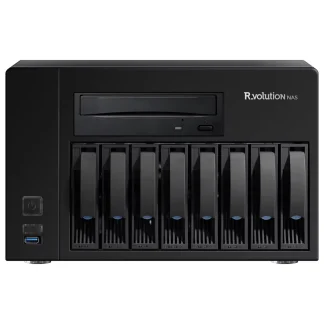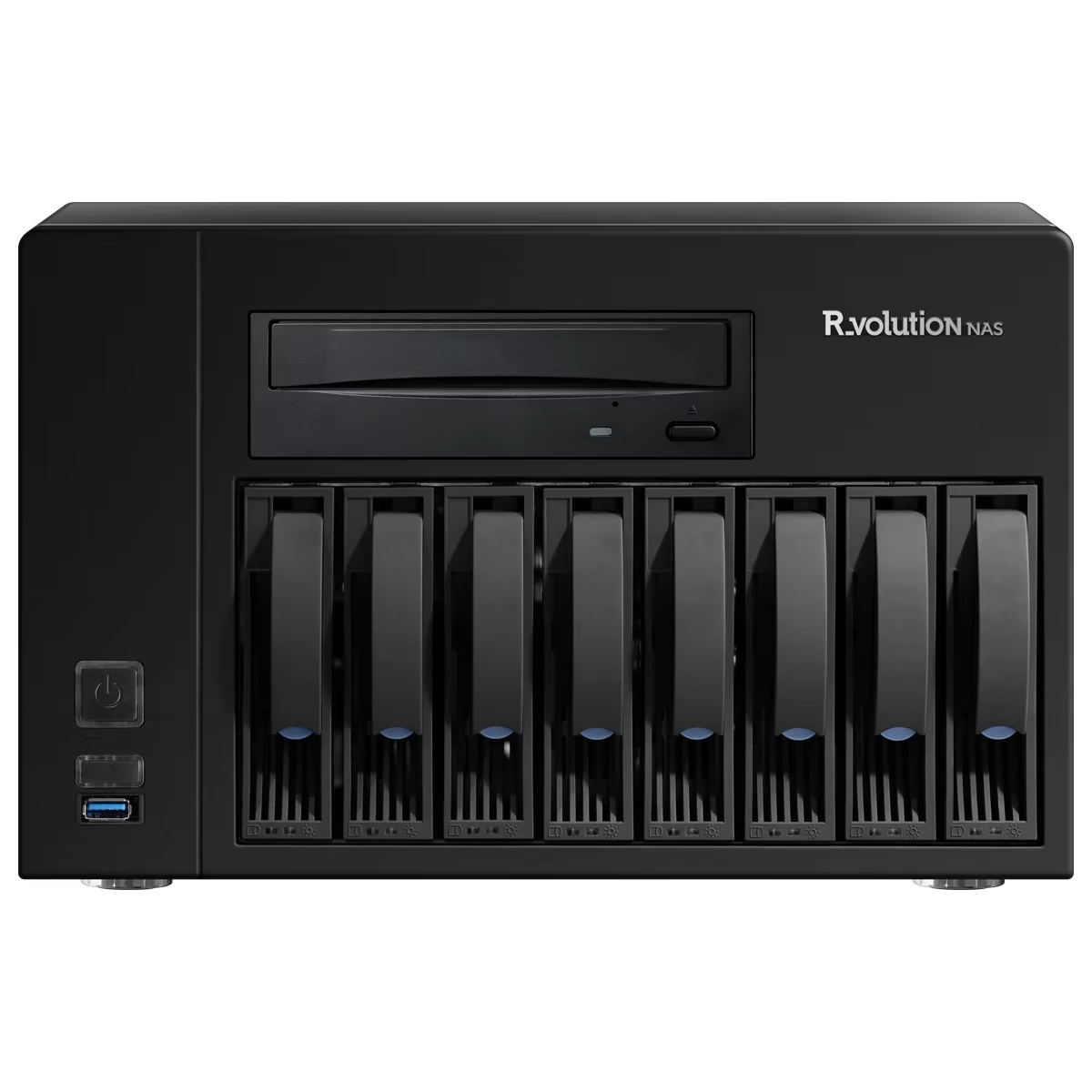
R_volution NAS Ultra: your movie library, throughout your home
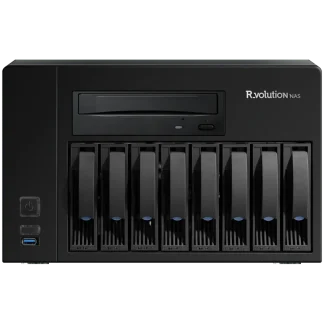
Bring your DVD, Blu-ray, Blu-ray 3D and 4K Ultra HD Blu-ray collection together on an eight-bay movie server. R_volution NAS Ultra combines an integrated optical drive, expandable storage and 2.5 GbE networking with the R_video media library, so you can browse your collection from compatible R_volution players around your home.
What the Ultra edition adds
- 2.5 GbE Ethernet: a faster network interface than the standard NAS model’s 1 GbE connection. Actual transfer speeds depend on your network, drives and connected equipment.
- Up to four UHD playback zones: watch different titles in different rooms using a separate R_volution player for each TV or projector.
- Up to three simultaneous disc backups: use the internal optical drive and up to two optional USB optical drives, sold separately.
- Temperature-controlled fans: servo-controlled cooling adapts to operating conditions.
- More processing power: R_volution specifies a 50% increase over the standard NAS.
Back up your video discs without recompression
Insert a supported disc into the built-in drive to start the automatic backup process. The NAS saves the content to its internal hard drives and ejects the disc when finished. DVD backups use ISO files; Blu-ray and UHD Blu-ray backups use BDMV folders. Original video, soundtracks, chapters and subtitles are retained without additional video compression.
The server preserves the source material for playback, including supported HDR video and lossless audio tracks such as Dolby TrueHD, Dolby Atmos, DTS-HD Master Audio and DTS:X. Playback capabilities depend on your R_volution player, display and audio system.
R_volution reports compatibility with approximately 95% of discs; some discs cannot be read, analysed or backed up. For simultaneous disc backups, the manufacturer recommends pausing video playback until the backups finish.
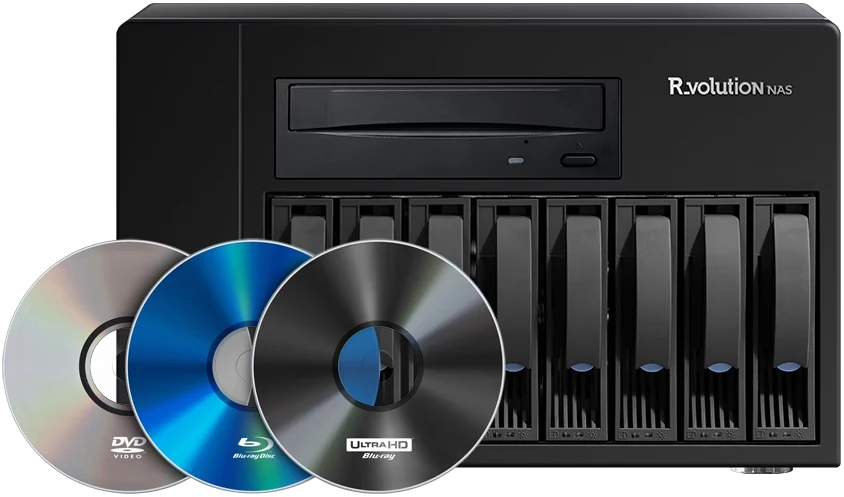
Expandable storage with hardware RAID
Eight hot-swappable trays accept 3.5-inch SATA hard drives. Hardware RAID supports RAID 0, RAID 1, RAID 5 and JBOD, letting you choose a storage arrangement for your collection. Hard drives are not included.
RAID 5 requires at least three drives and reserves the equivalent capacity of one drive for parity. It can tolerate a single drive failure. Replace only one drive at a time and follow the manufacturer’s replacement procedure. RAID does not replace a separate backup.
Planning your storage capacity
With eight equal-capacity drives, the approximate capacity before filesystem overhead is:
| Drive configuration | Total drive capacity | Approximate RAID 5 capacity |
|---|---|---|
| 8 × 16 TB | 128 TB | 112 TB |
| 8 × 20 TB | 160 TB | 140 TB |
| 8 × 32 TB | 256 TB | 224 TB |
These examples use the drive capacities listed by R_volution. Usable capacity is lower after formatting and system overhead; the number of movies depends on each title’s size. Confirm drive compatibility before choosing hard drives.
Independent playback in up to four rooms
Connect NAS Ultra and your R_volution players to the same local network. Each player can access the shared collection and play a different title, with manufacturer support for up to four simultaneous UHD zones. The 2.5 GbE interface requires compatible network equipment to operate above Gigabit speed.
Browse your collection with R_video
R_video identifies movies and TV shows and retrieves posters, backgrounds, synopses, cast details and technical information. Browse by genre, sort your collection and edit library details using your R_volution player’s remote. Internet access is needed for identification and online features such as trailers and subtitle downloads; previously stored content remains available for local playback.
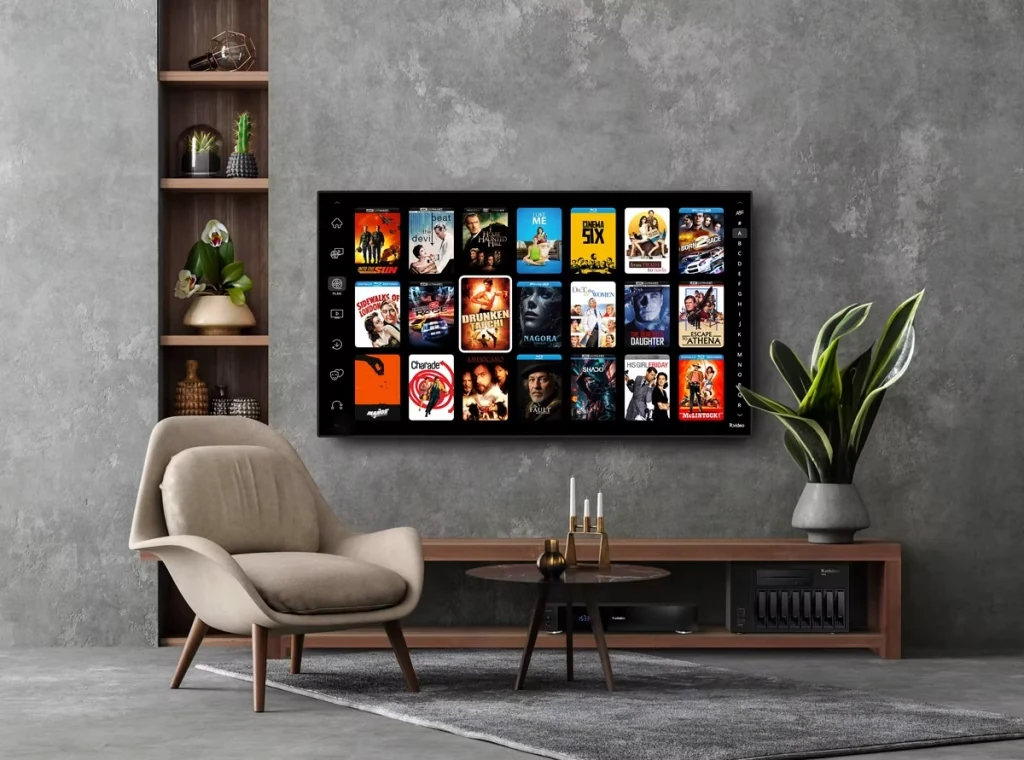
Personal music files can also be stored on the NAS and accessed by compatible network audio devices. R_volution lists Roon Server integration; using Roon requires a separate Roon subscription.
Simple installation and local file access
Connect the NAS to power and your home network, then set up your storage and R_volution account. R_volution players on the same local network can automatically discover the server. You can also copy existing personal media files to the NAS from a networked computer.
A R_volution media player is required for each TV or projector and is sold separately. Explore our R_volution media players or read the USB, HDD and NAS movie collection guide to plan your system.
Technical specifications
| Model | R_volution NAS Ultra |
|---|---|
| Drive bays | 8 hot-swappable trays for 3.5-inch SATA HDDs; HDDs not included |
| Hardware RAID | RAID 0, RAID 1, RAID 5 and JBOD |
| Optical drive | DVD, Blu-ray 2D/3D and 4K UHD Blu-ray |
| Simultaneous backups | Up to 3 with the internal drive and 2 optional USB optical drives |
| Network | Ethernet 10/100/1000/2500 Mb/s |
| Multiroom video | Up to 4 UHD zones with compatible R_volution players |
| Cooling | Servo-controlled fans |
| Power supply | 650 W Flex/1U; 100–240 V AC, 50/60 Hz |
| Manufacturer-listed consumption | 62 W; actual consumption depends on configuration and use |
| Operating conditions | 0–40°C; 20–80% humidity |
| Storage temperature | −40–65°C |
| Dimensions (W × D × H) | 316 × 285 × 208 mm (12.4 × 11.2 × 8.2 in) |
| Weight without HDDs | 9 kg net; 10 kg packaged |
| EAN | 3760115010192 |
Included accessories
- Power cable
- Quick installation guide
Sold separately: hard drives, R_volution media players and optional external USB optical drives.
See the R_volution NAS Ultra Canadian product information for further details.